Uploading a Document to an Existing Abstract
Attach an amendment or other PDF to an abstract that's already created.
1
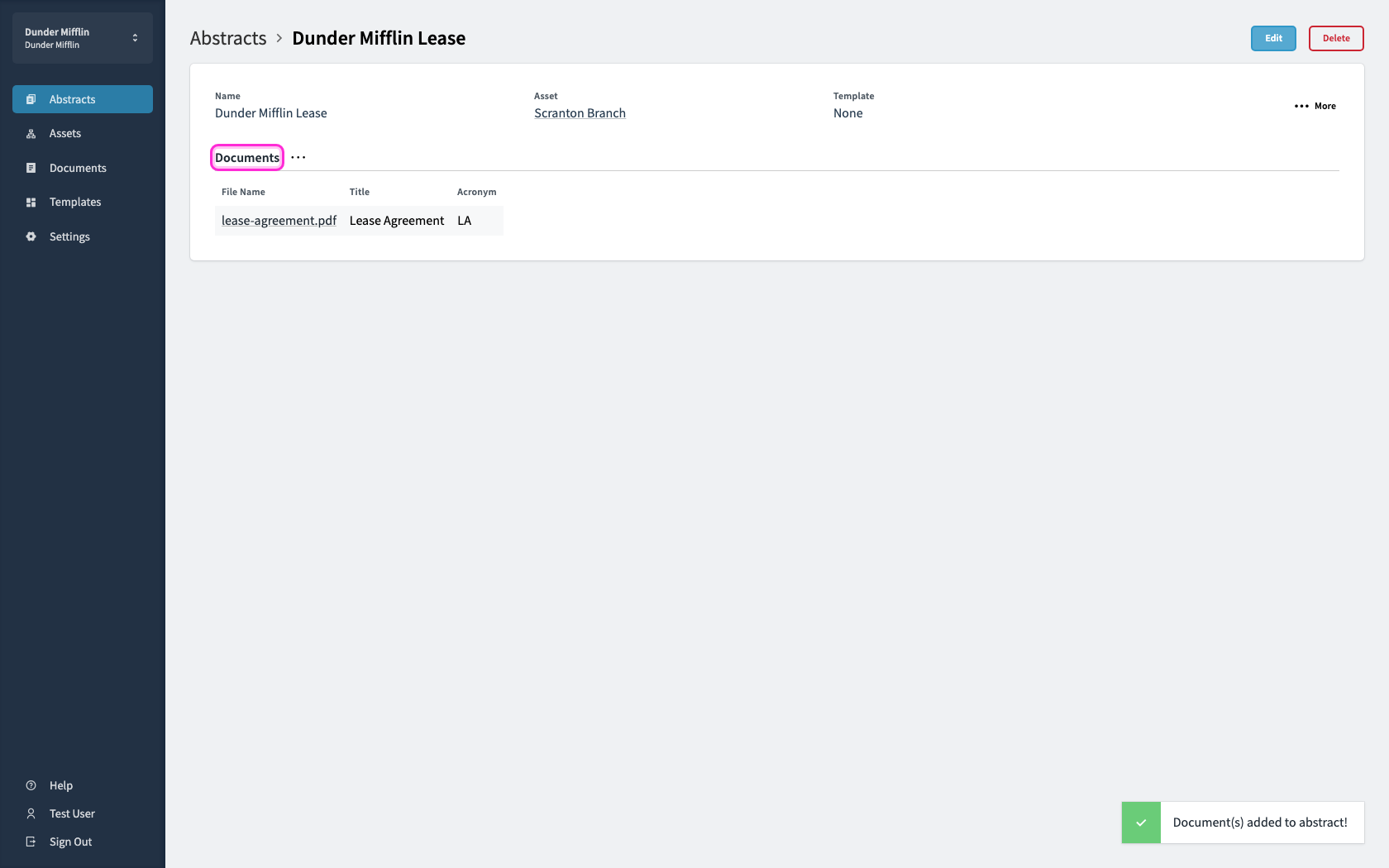
Open the abstract, then open the Documents menu.
2
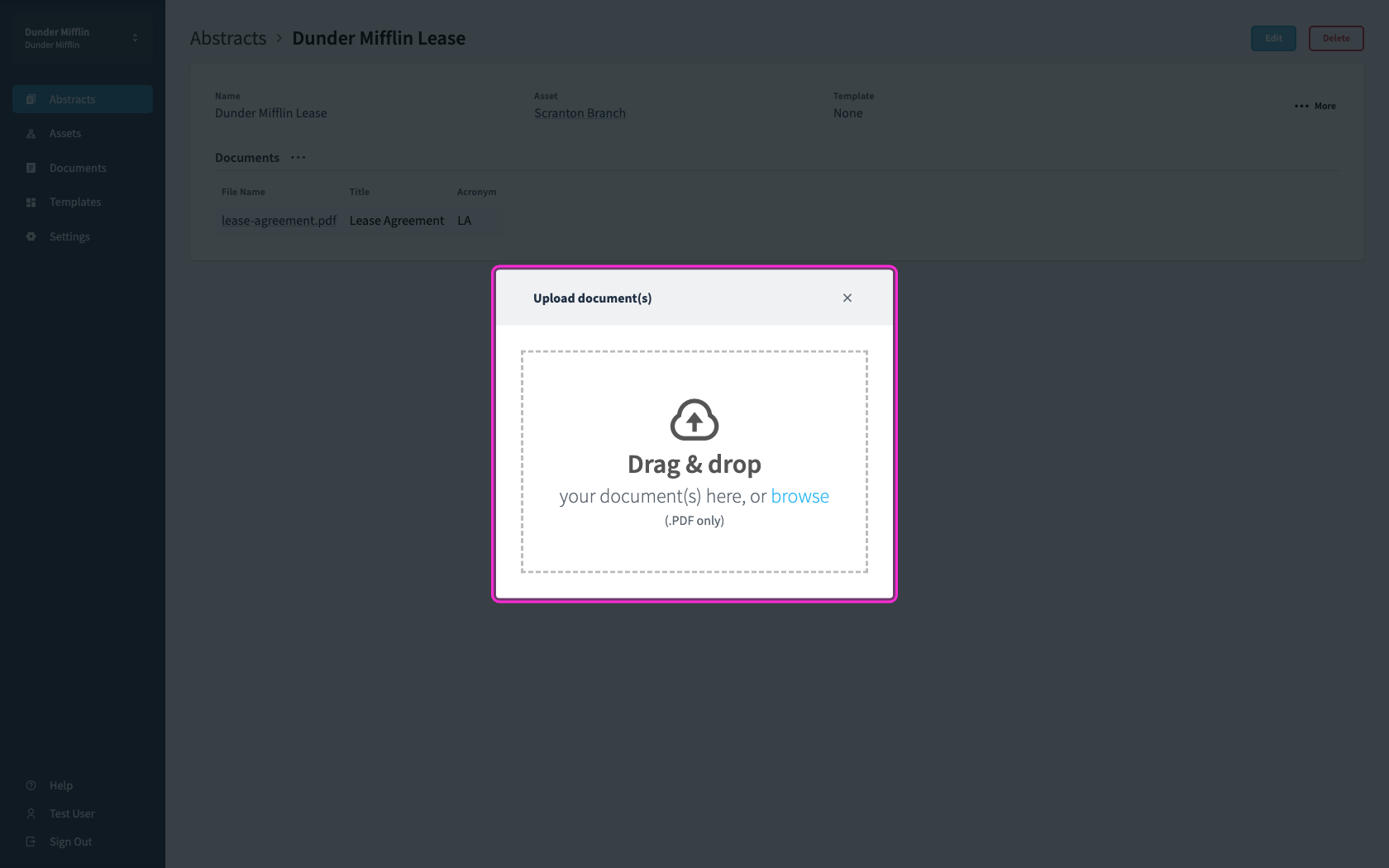
To upload, you can either drag and drop the files over the gray box or select from your local file folder
3
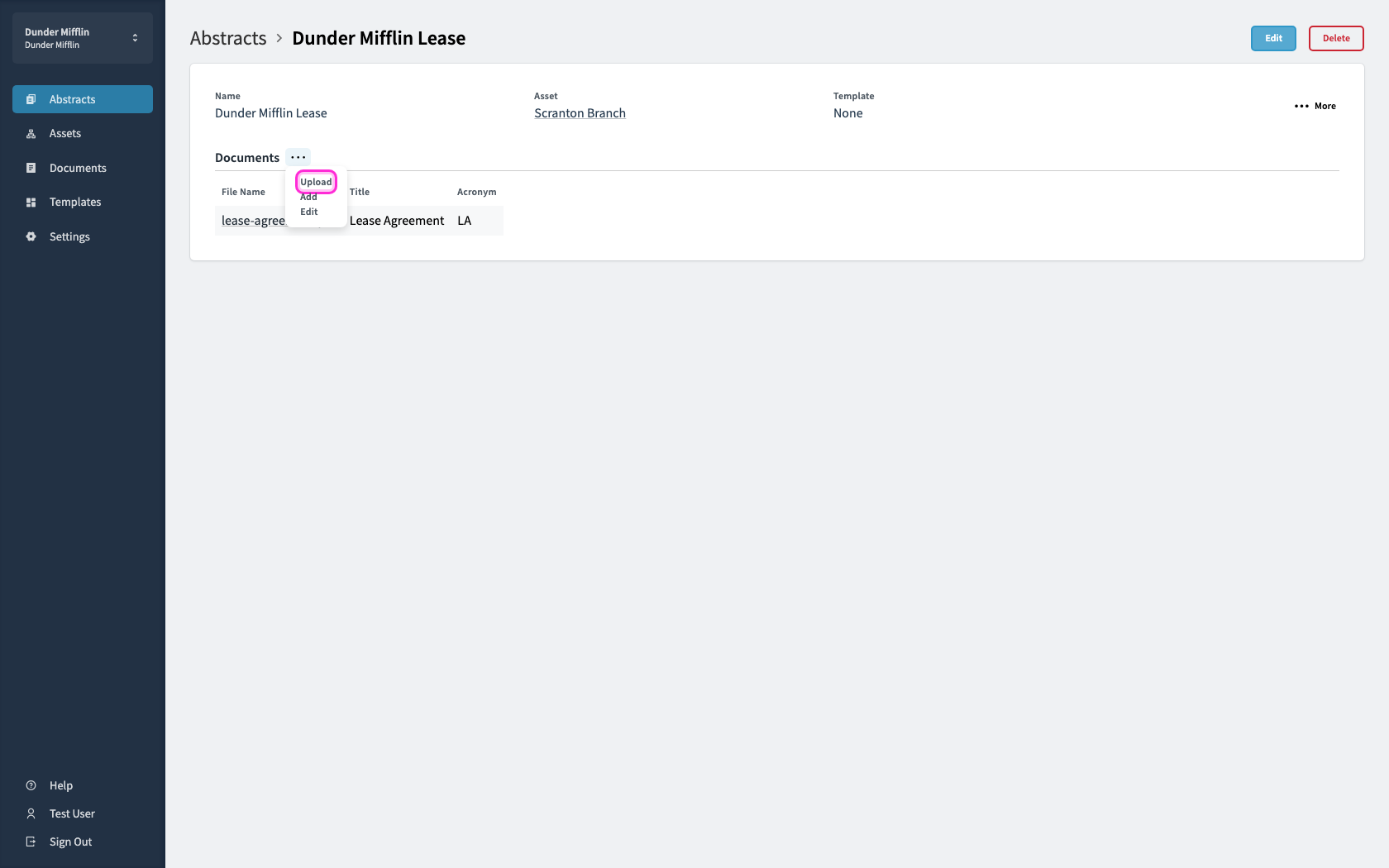
Choose Upload, then add the amendment or other PDF.
4
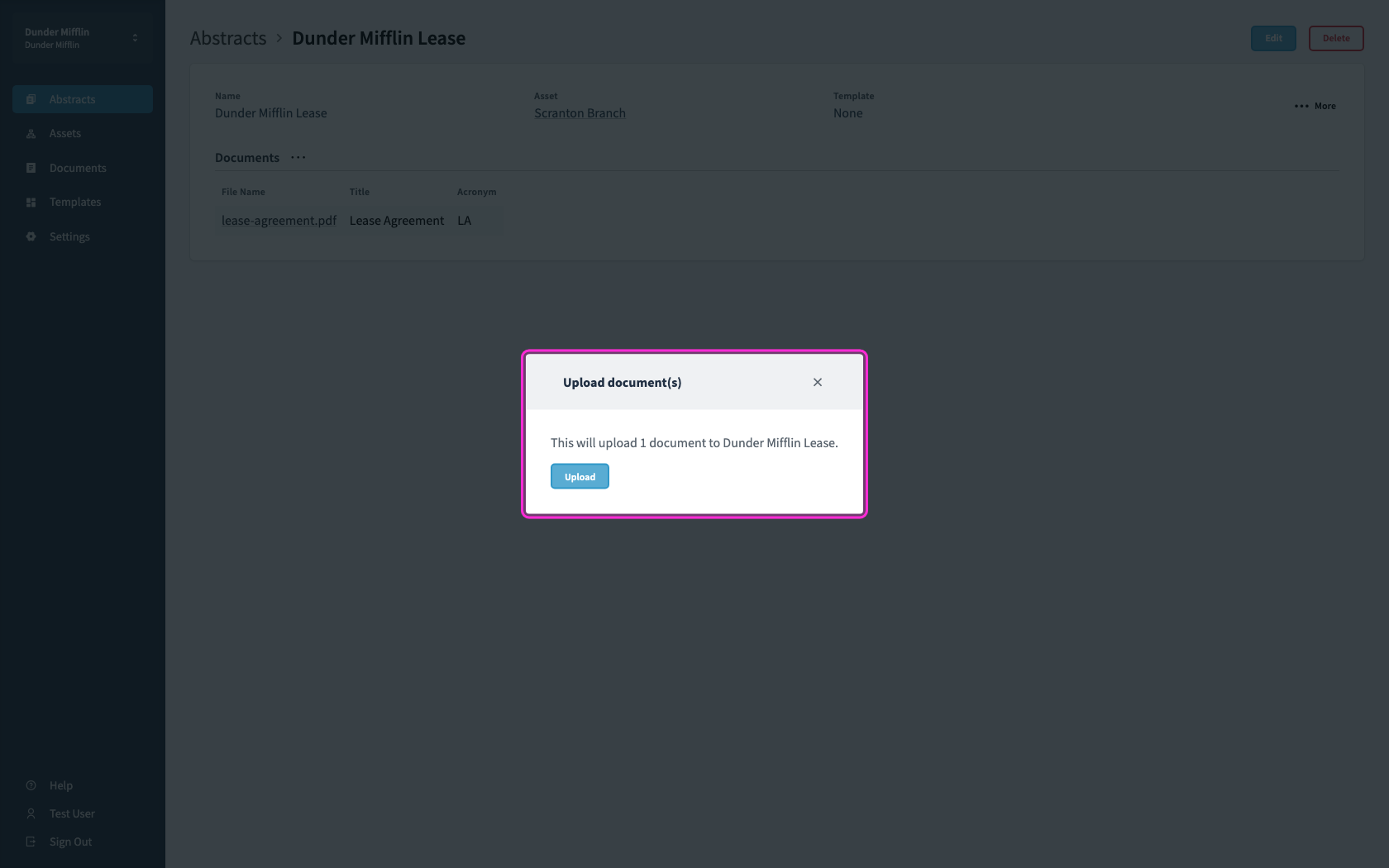
Click upload to attach the file to this abstract.