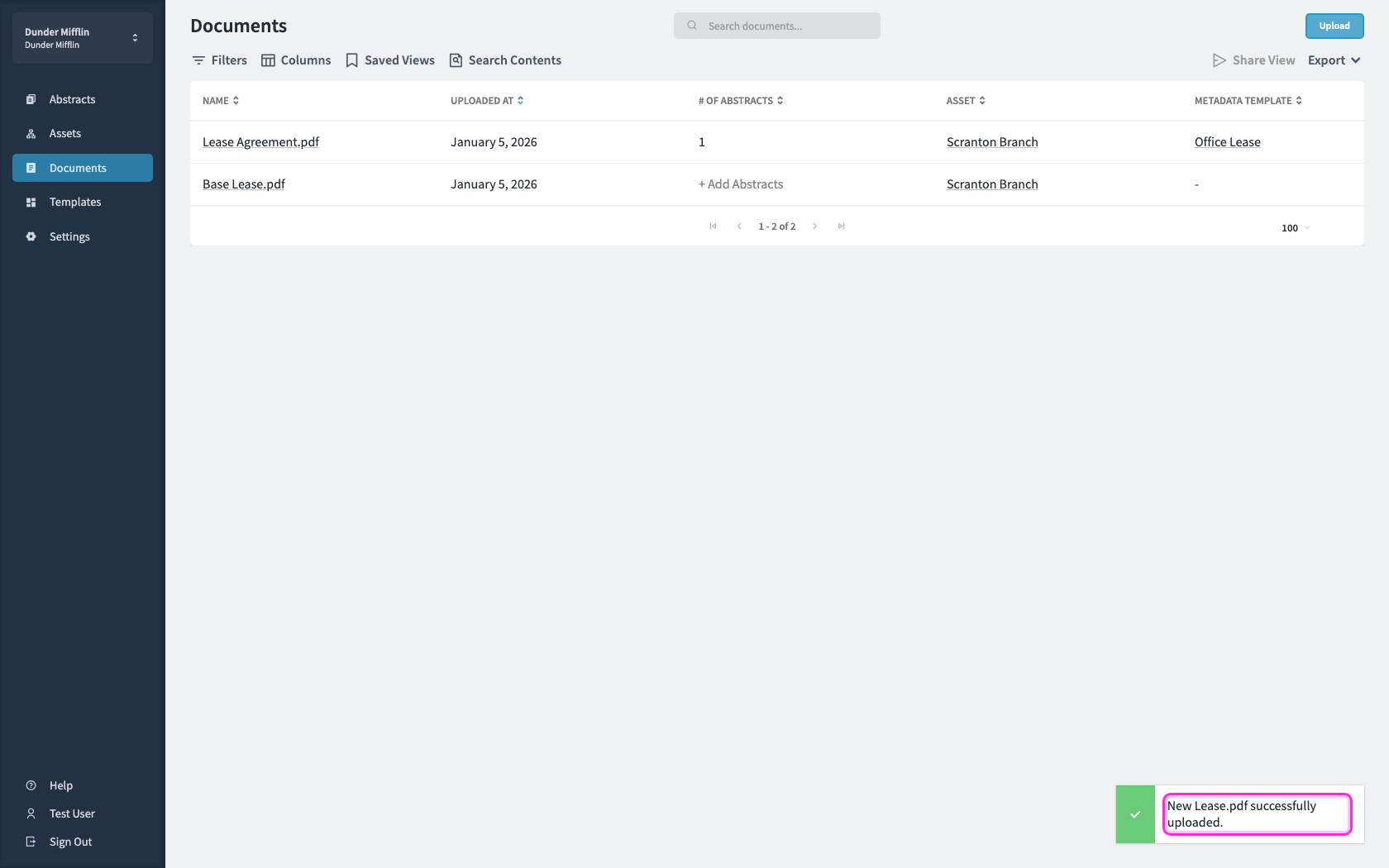
Upload Misc Documents
Upload a document from the Documents page.
1
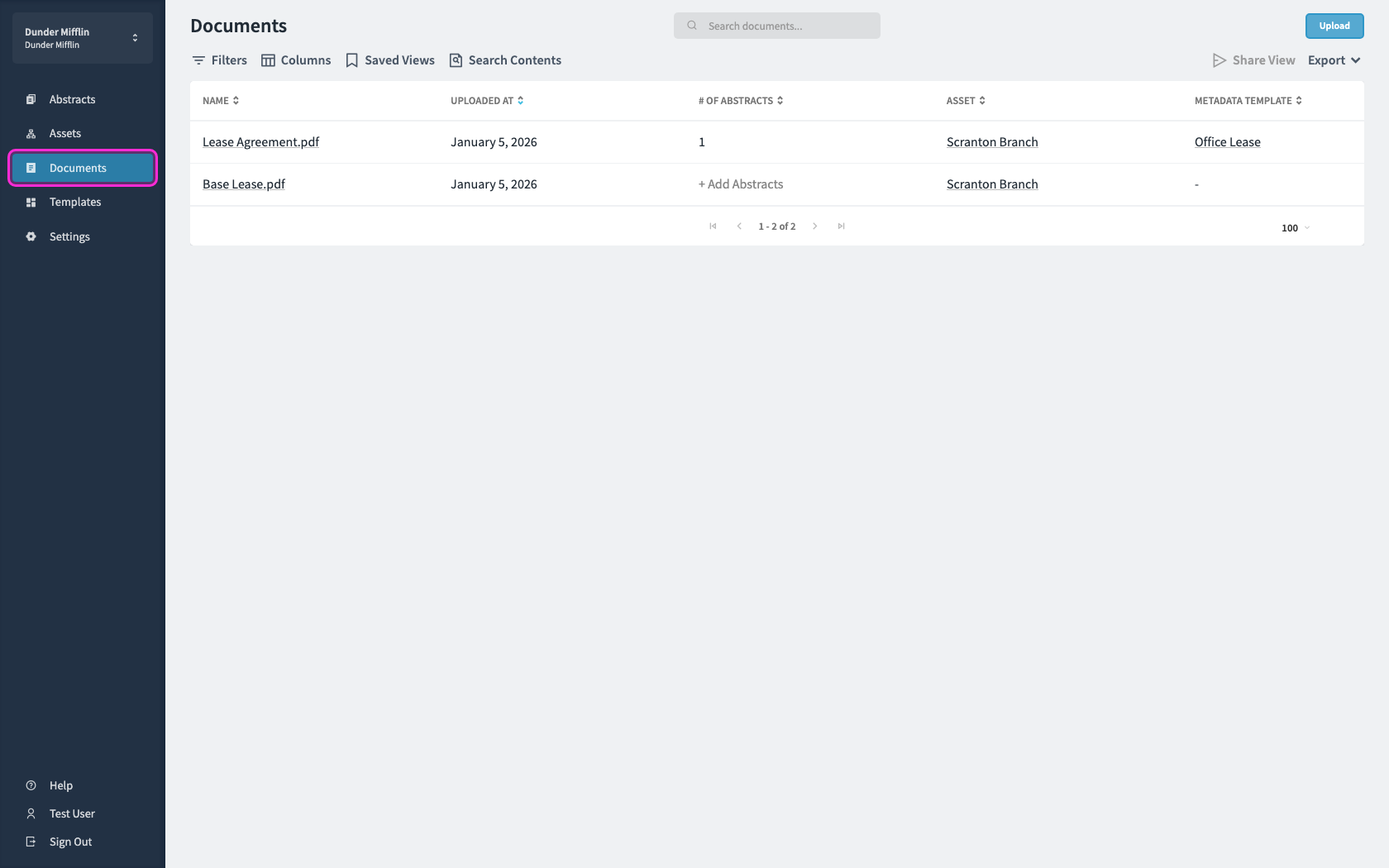
Open Documents from the left sidebar.
2
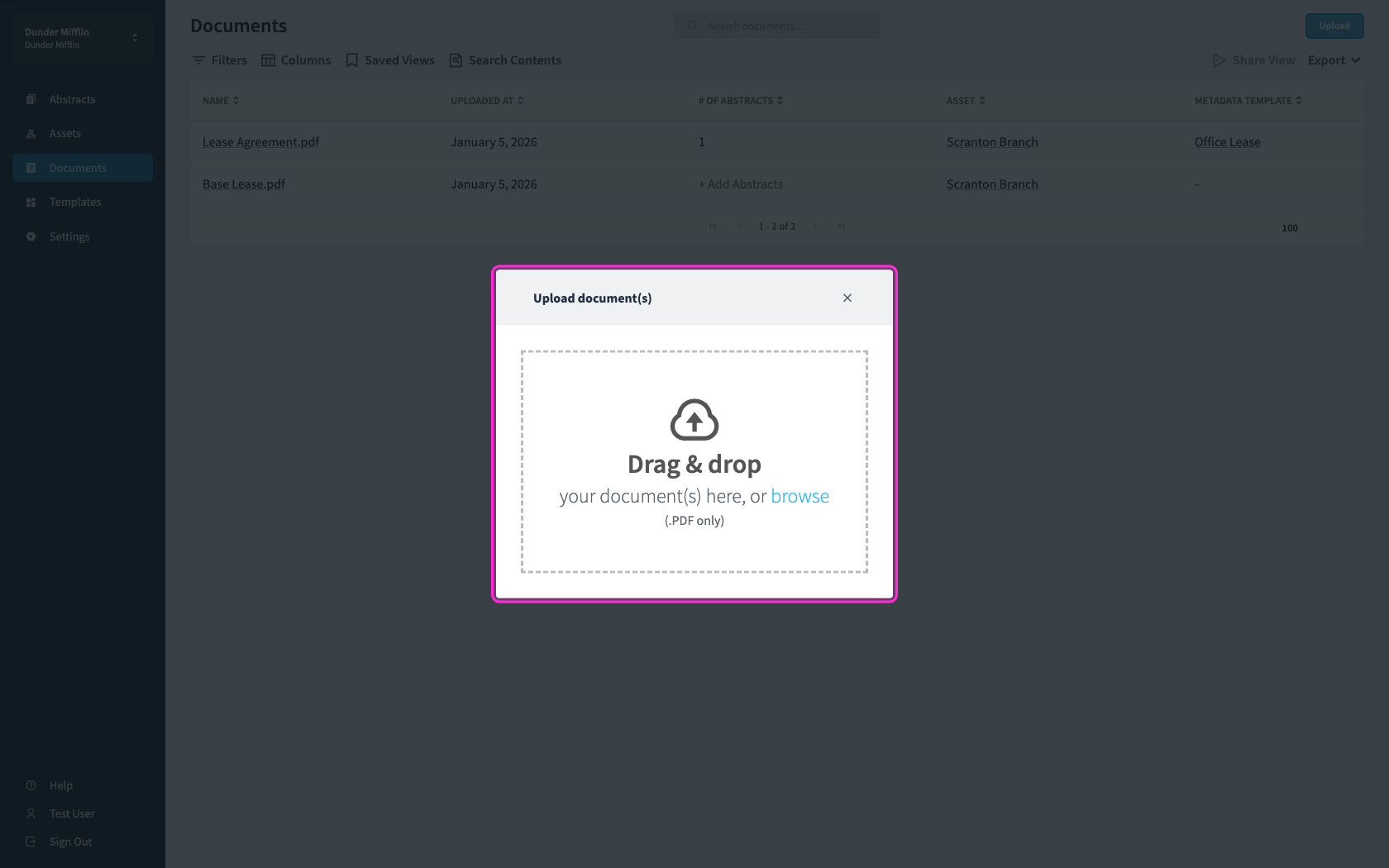
To upload, you can either drag and drop the files over the gray box or select from your local file folder
3
Click upload, then drop a PDF or browse to select files.
4
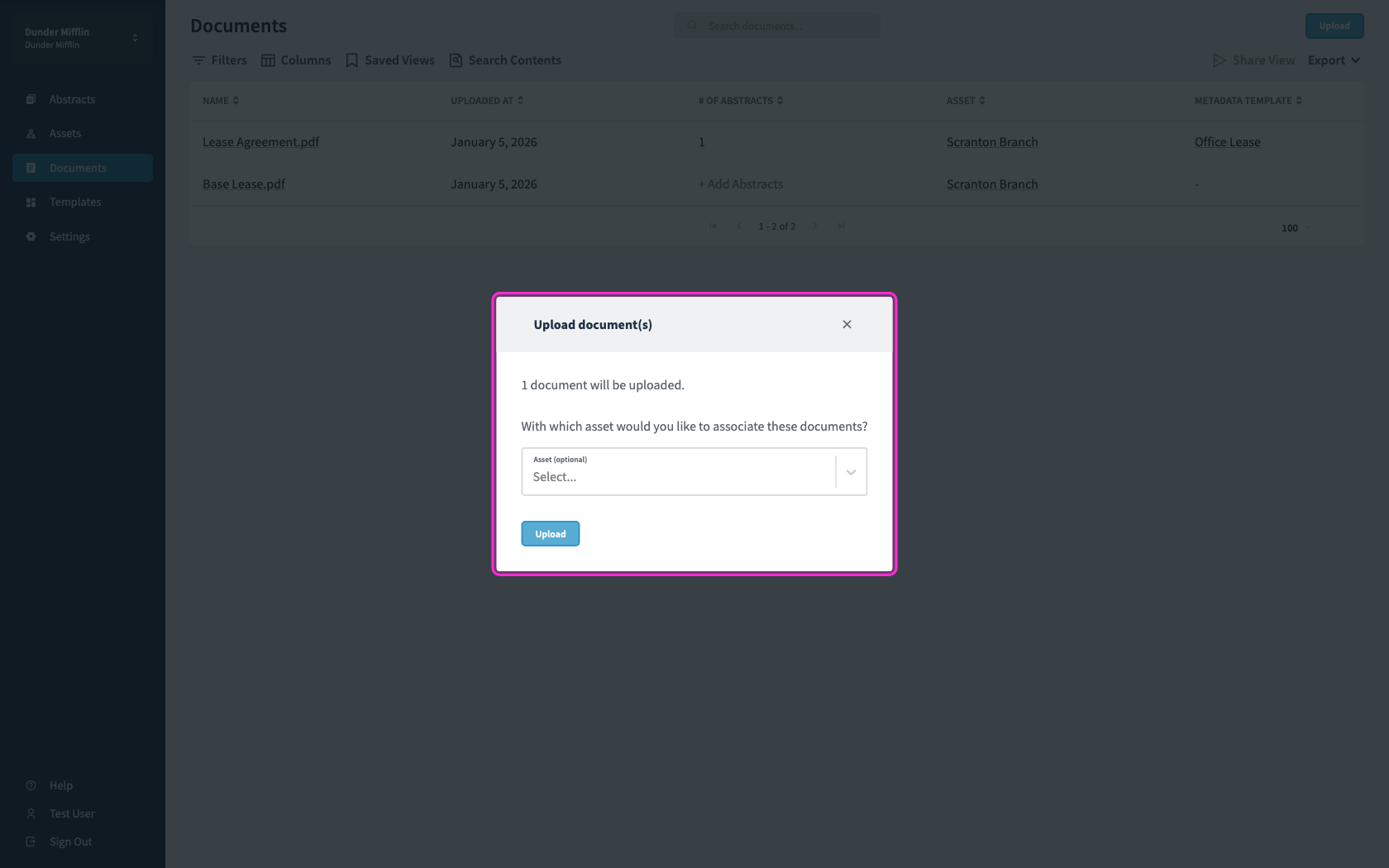
Click upload. The document is added to your team.