Create an Abstract
An Abstract is a summary of the key data points found in one or more related documents. There are a few way to create an Abstract. You can create an Abstract from (1) the Abstract section, (2) the individual Asset view or (3) the individual Document view. After you create an abstract, you will need to upload one or more PDF documents to the newly created abstract. After uploading documents to the Abstract, AI predictions will automatically start generating.
1
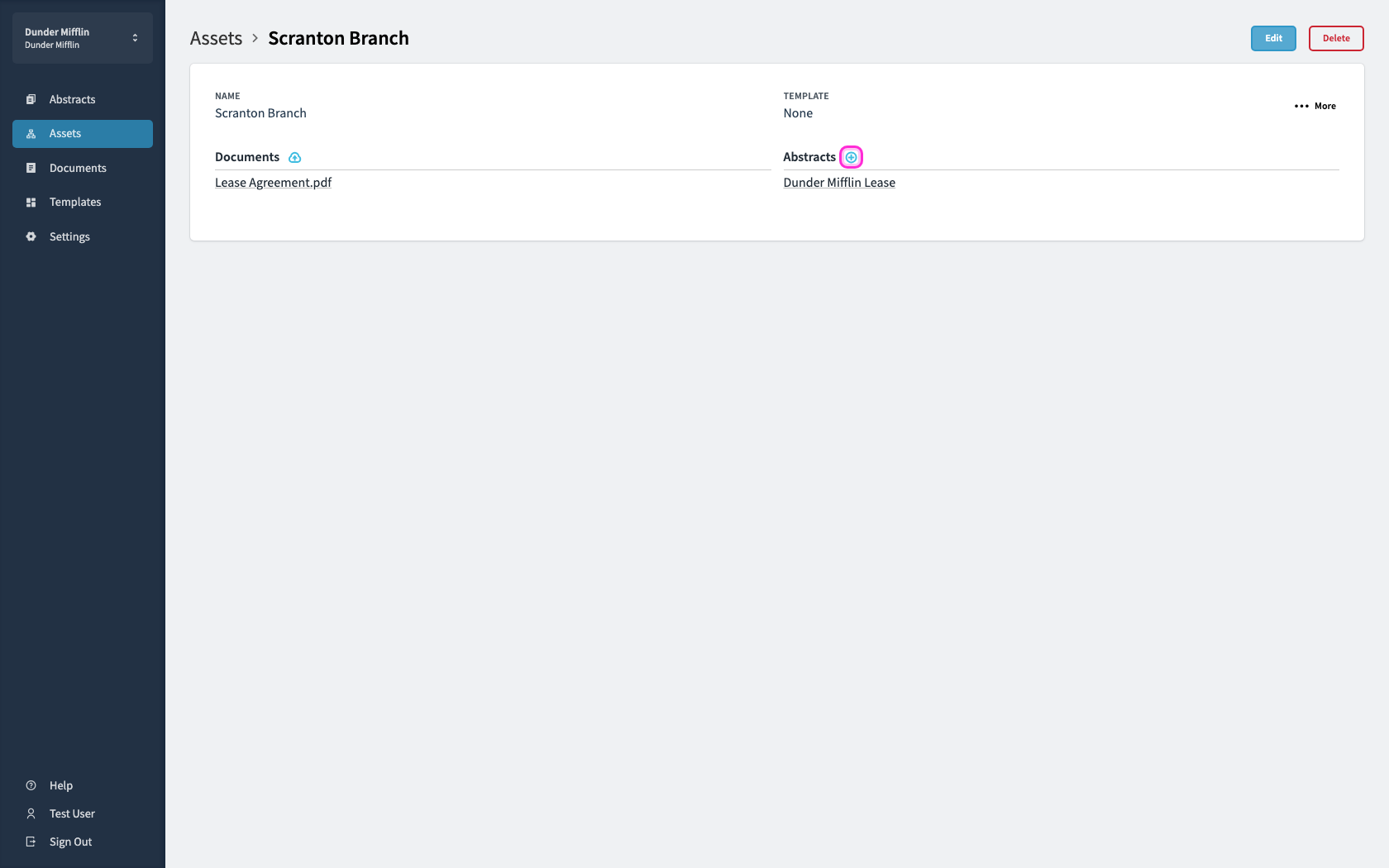
Open an asset and navigate to the abstract section. Click the circular blue + button next to Abstracts.
2
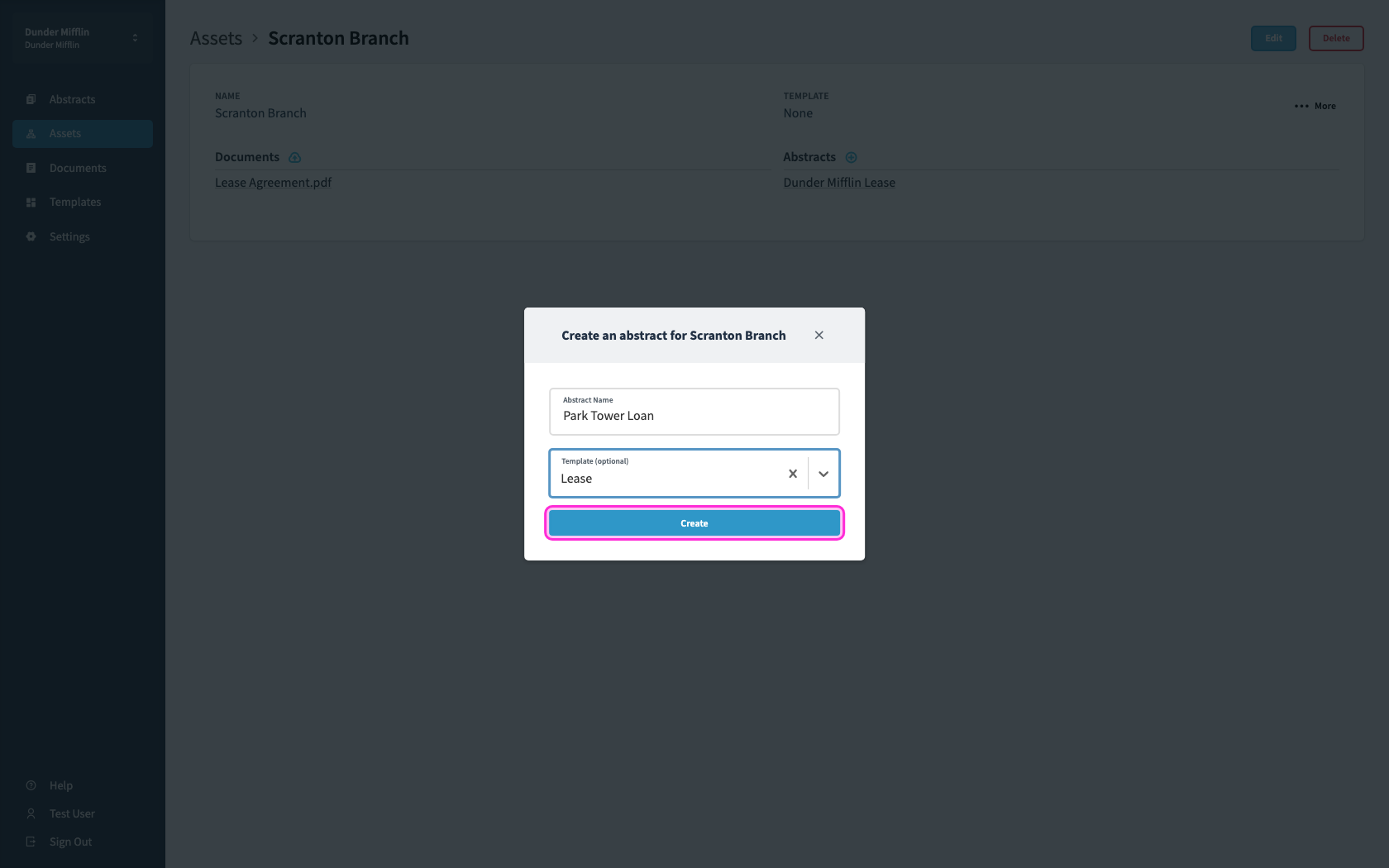
Populate the Abstract name (ie Park Tower Loan or Dunder Mifflin Lease). Next you will select the applicable Abstract Template from the dropdown. Finally you will click the blue 'Create' button.
3
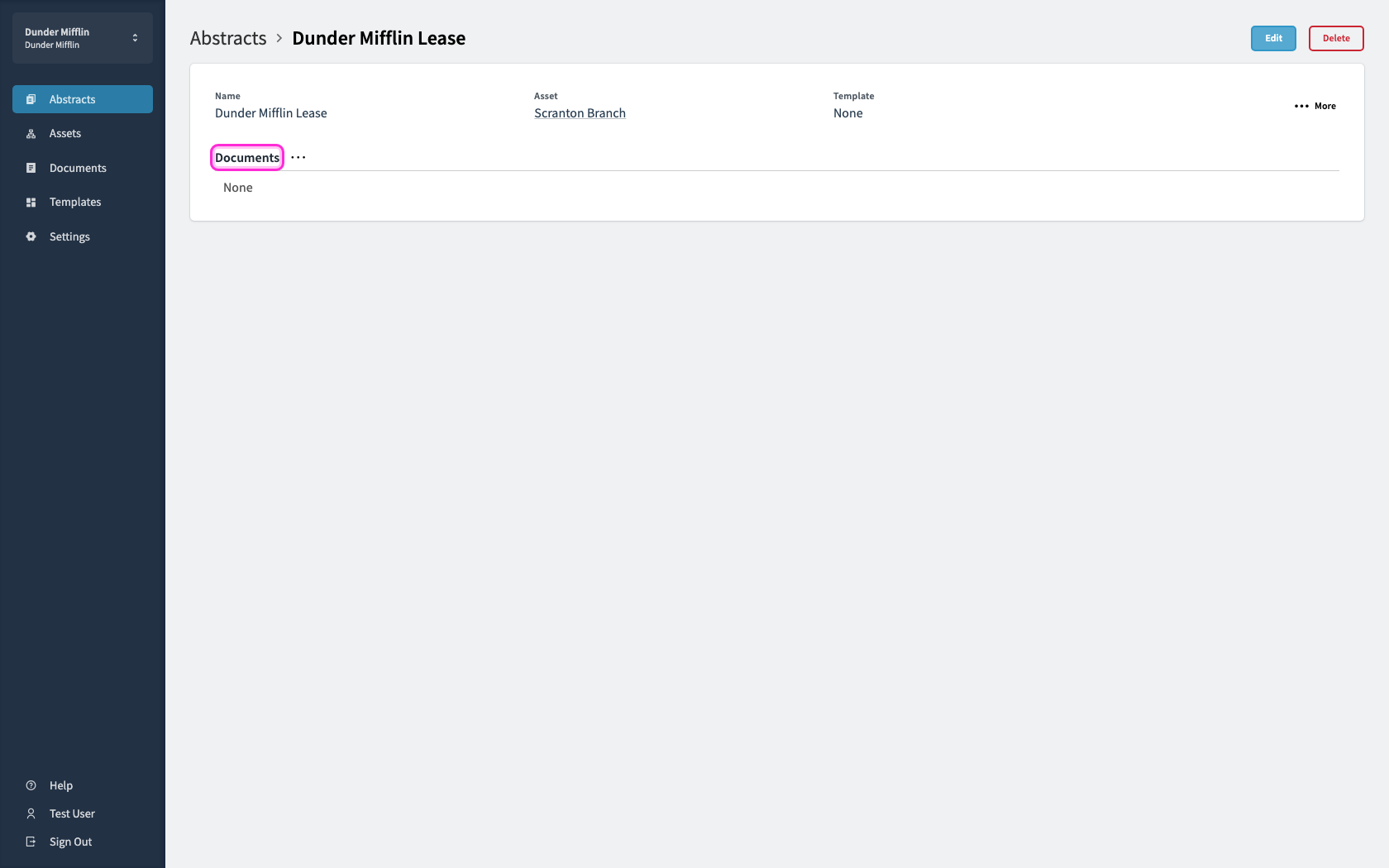
After clicking the create button, you will arrive in the individual Abstract view. You can now begin uploading documents to this Abstract.
4
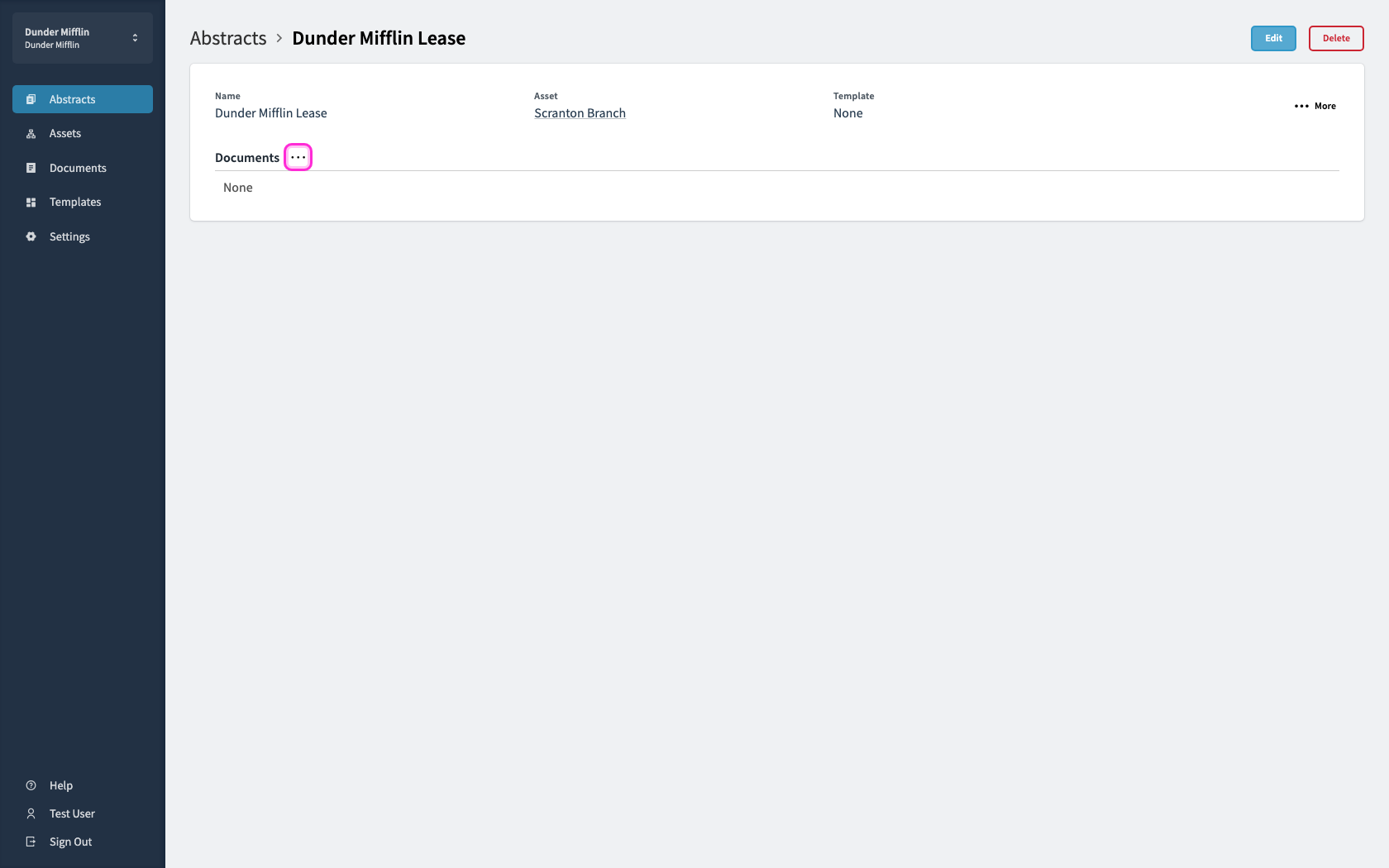
One of the ways to upload a document, you can click the grey ellipses button next to the 'Documents' text.
5
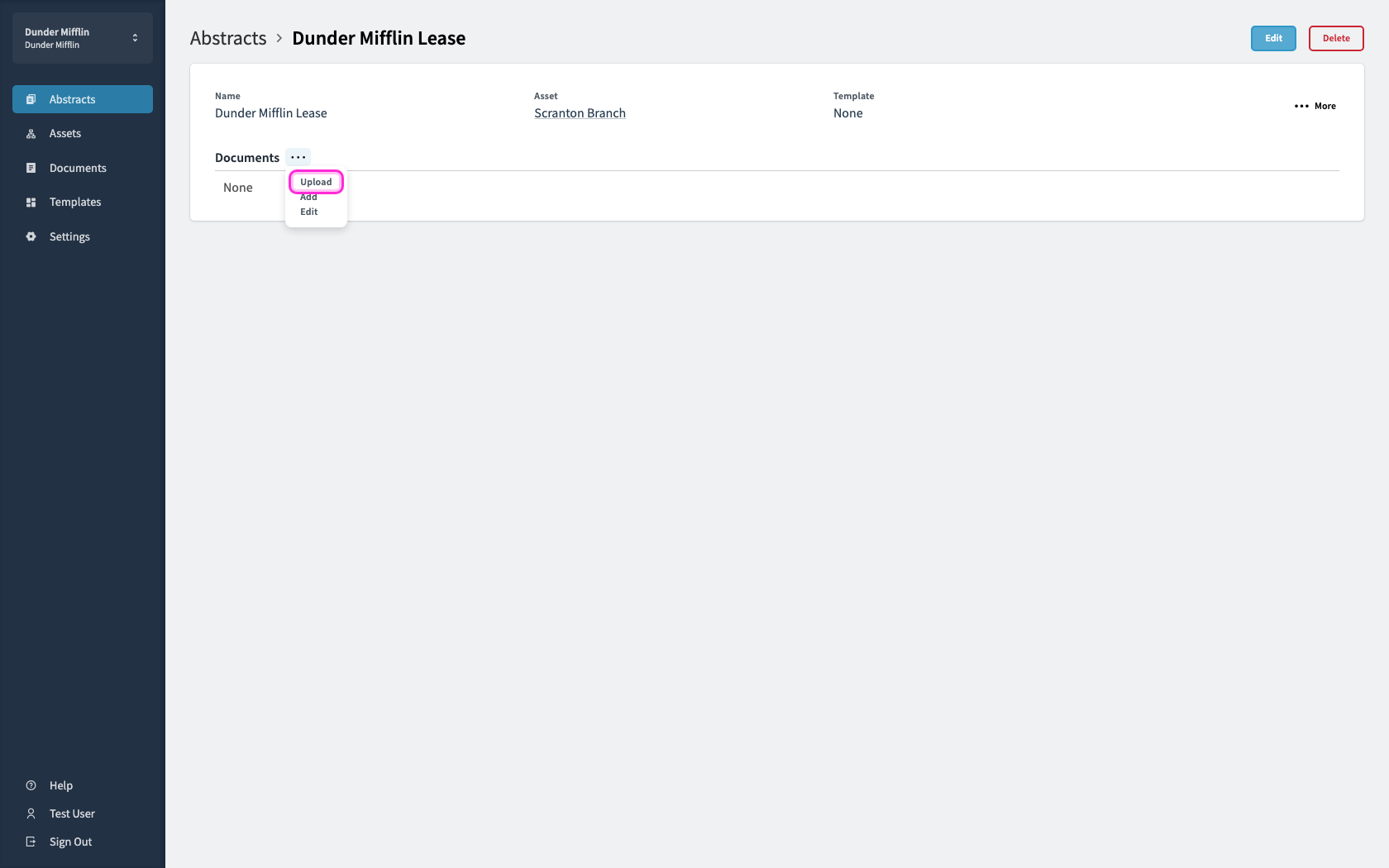
Choose Upload.
6
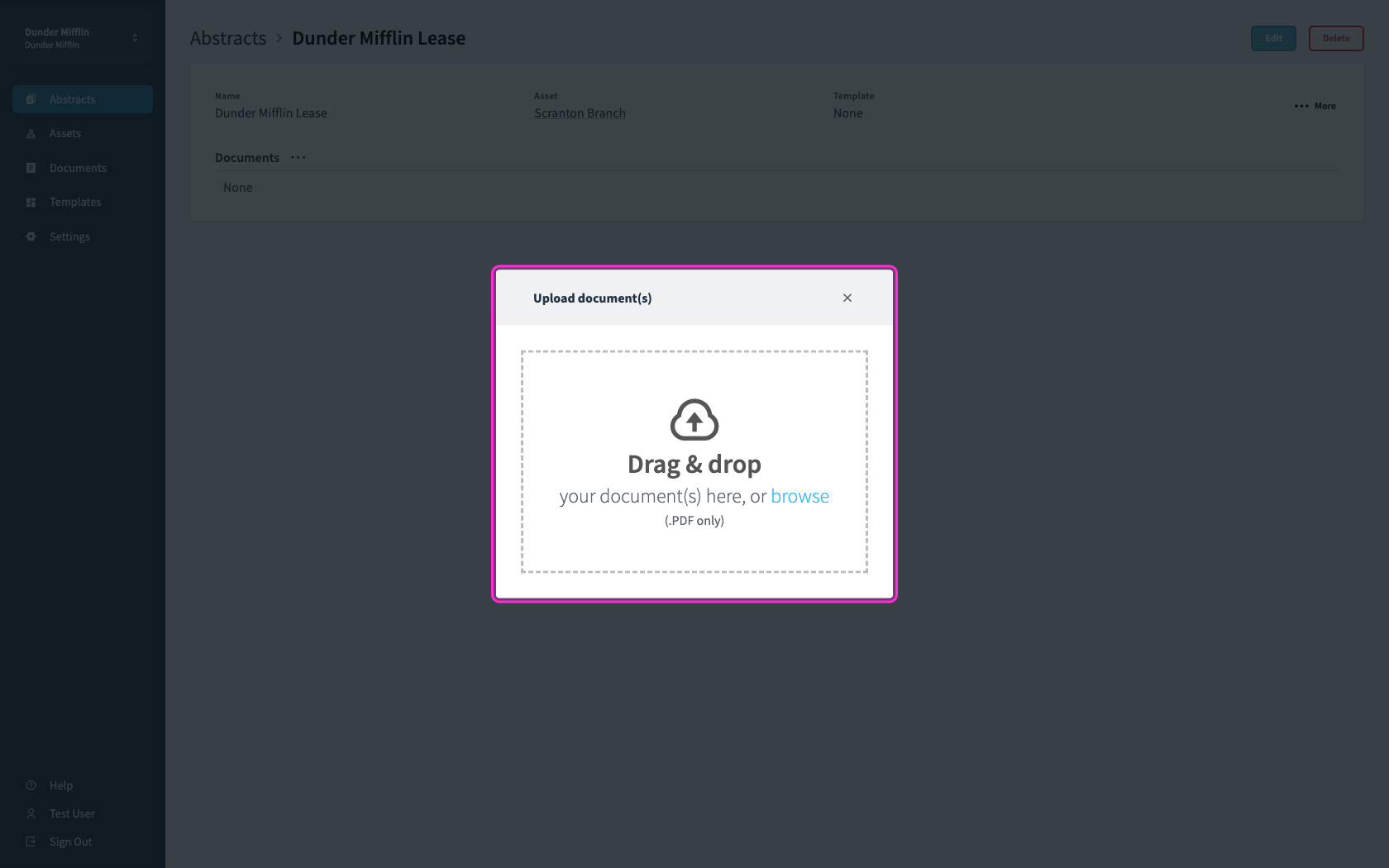
To upload, you can either drag and drop the files over the gray box or select from your local file folder
7
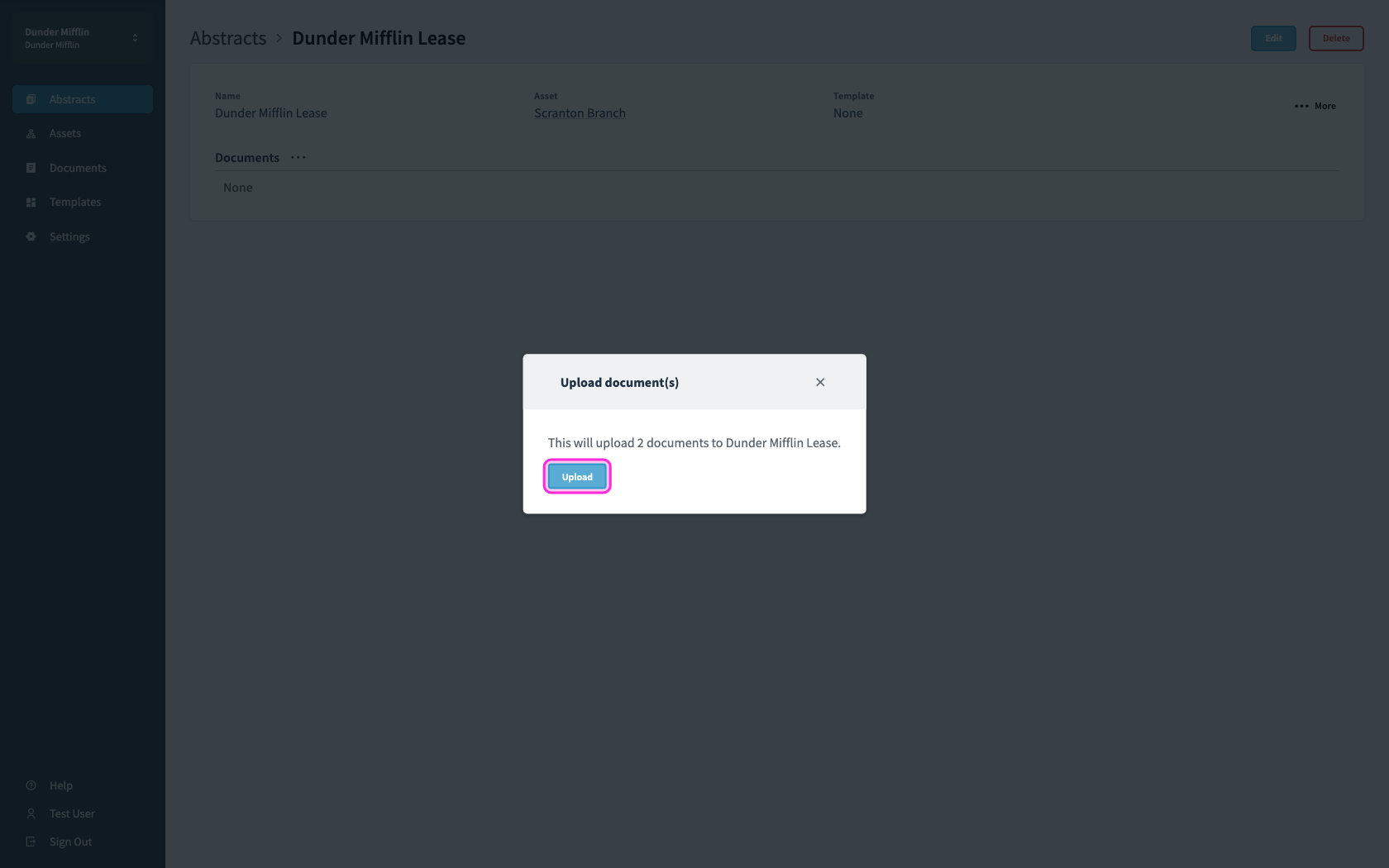
Click the blue upload button
8
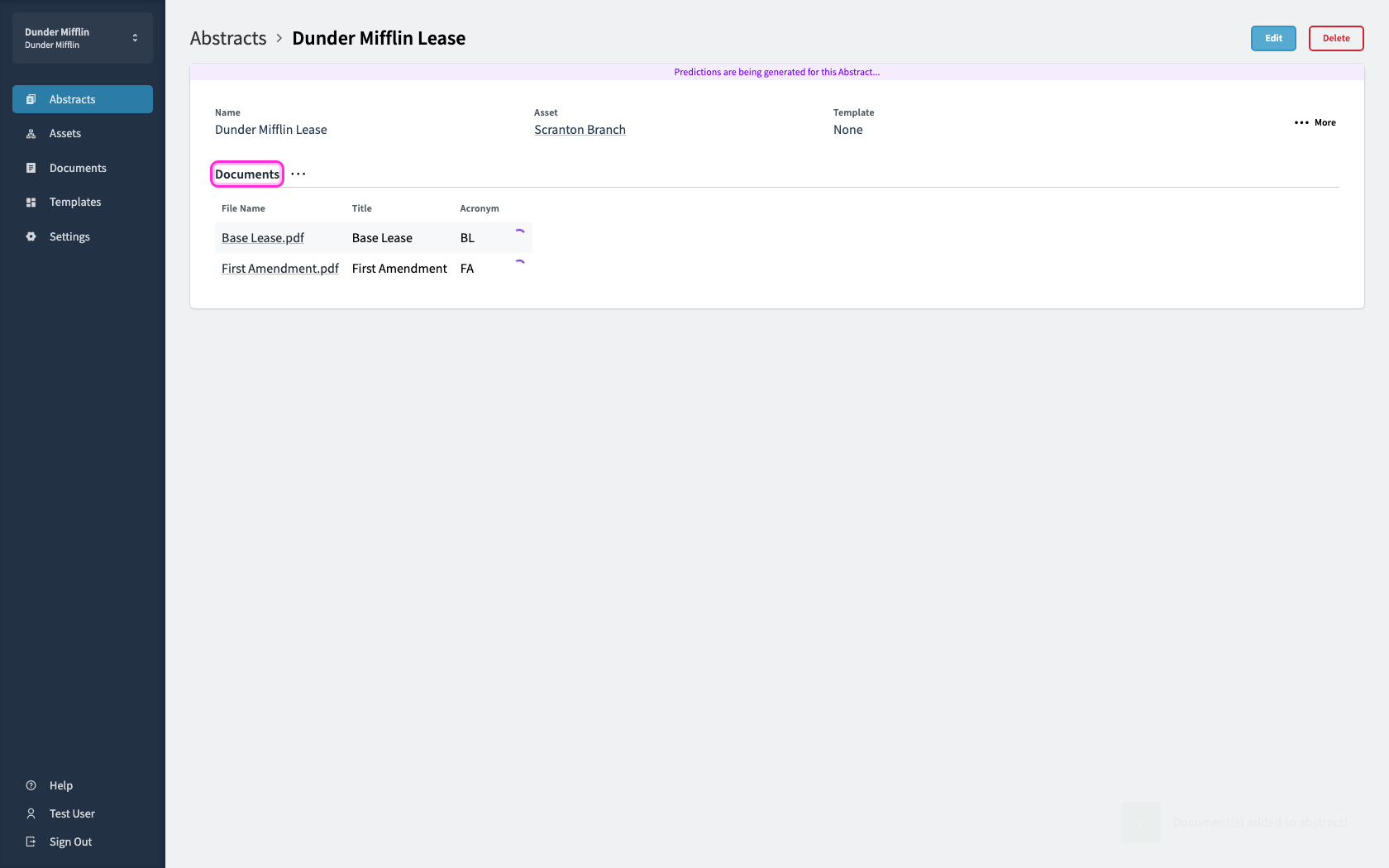
After upload, the documents will appear in the Abstract. A circular loader will appear next to the documents while predictions are generating.
9
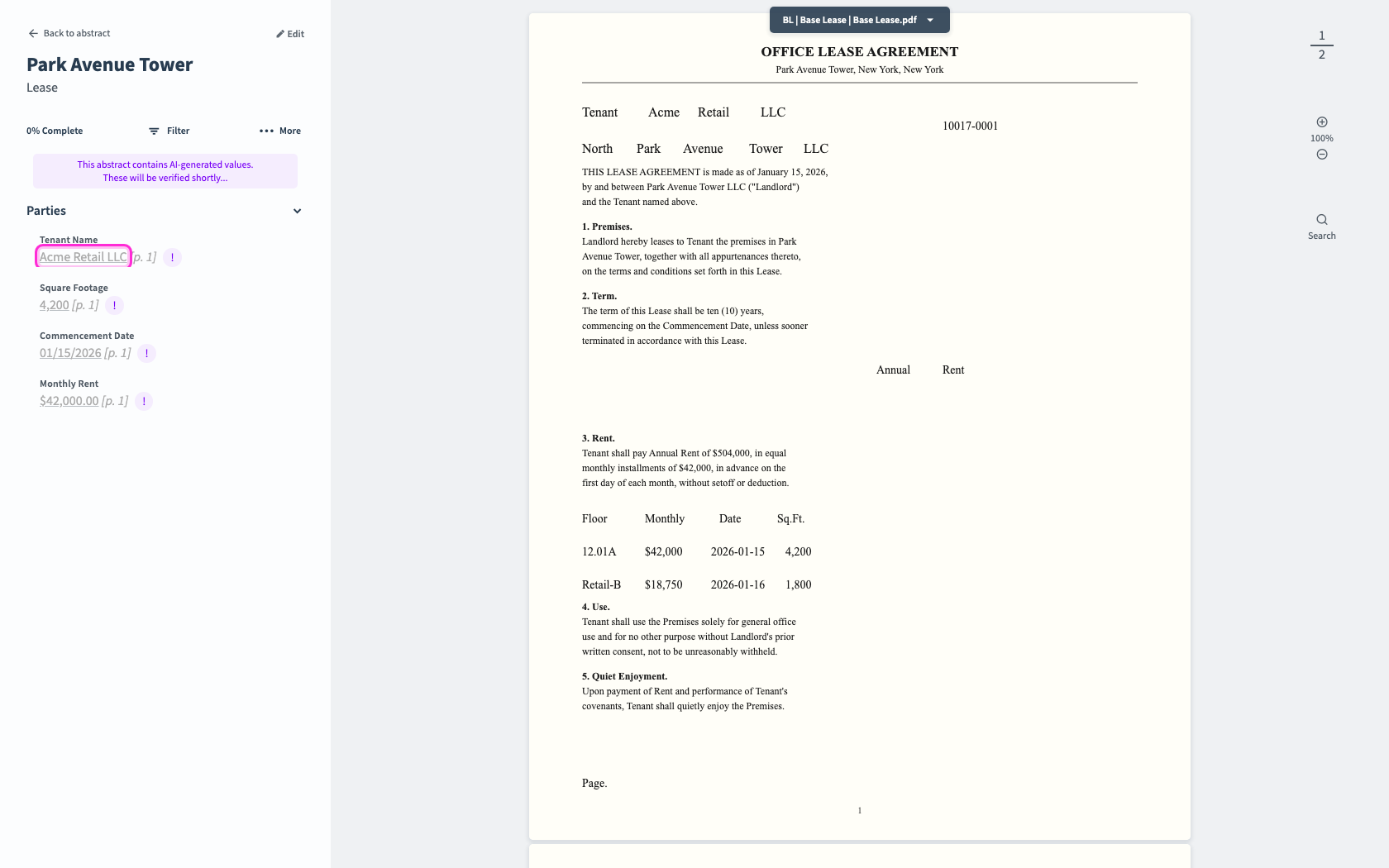
Depending on the size of the documents and abstract template, the Abstract's predictions will appear after a period of time. Predictions appear in gray font (along side an exclamation warning) and purple link highlights.
10
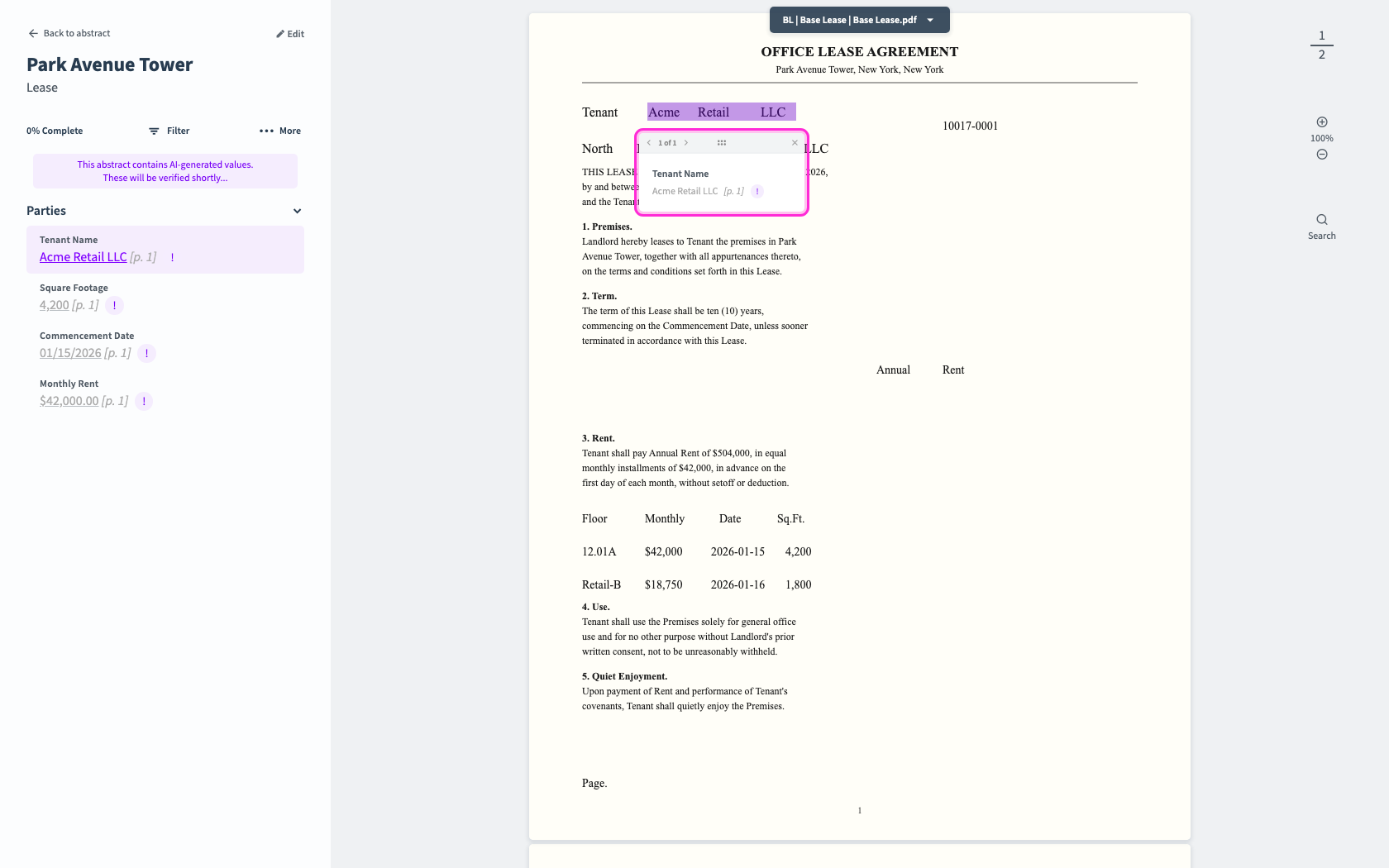
Click a predicted value to open its preview link on the source document.
11
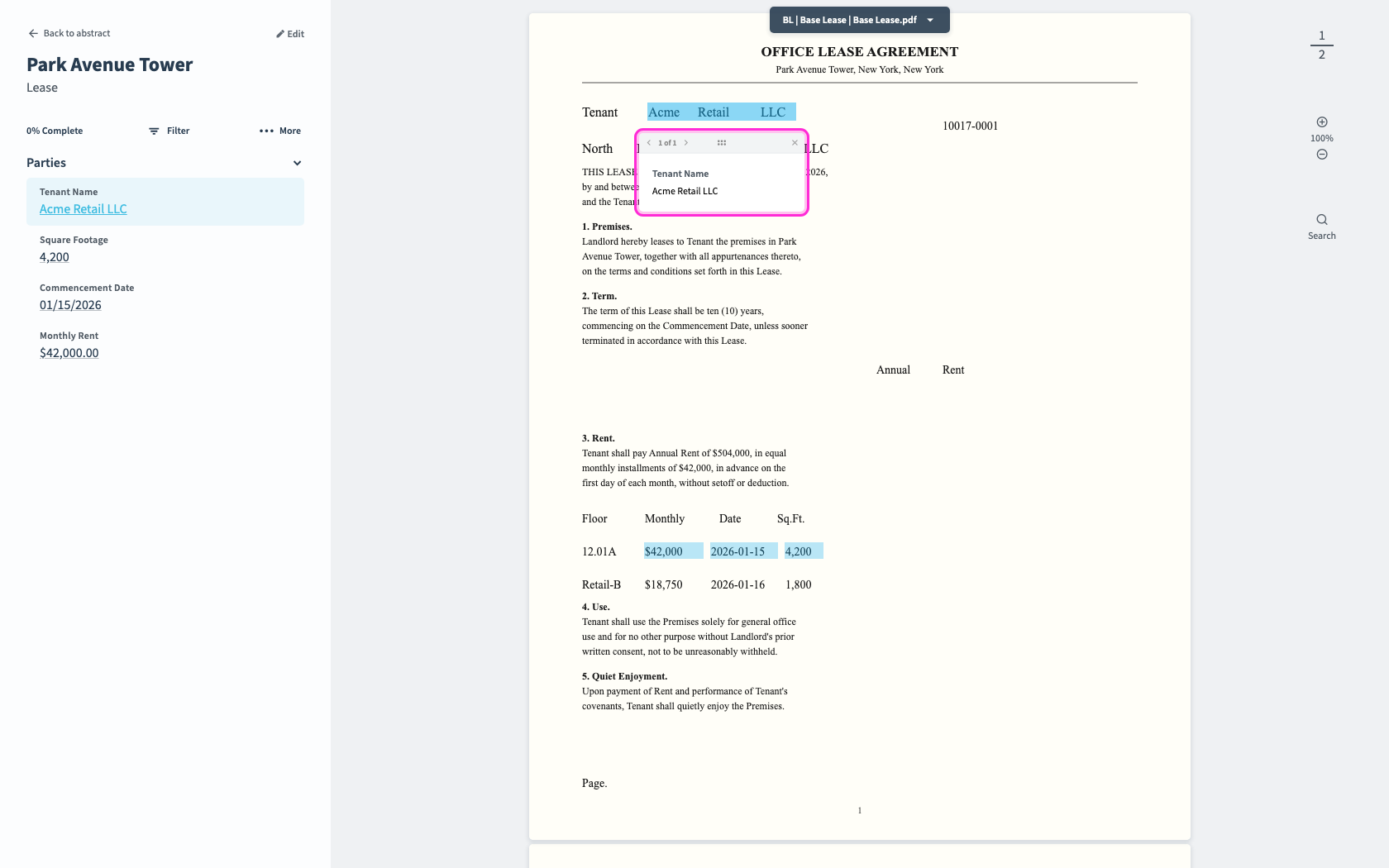
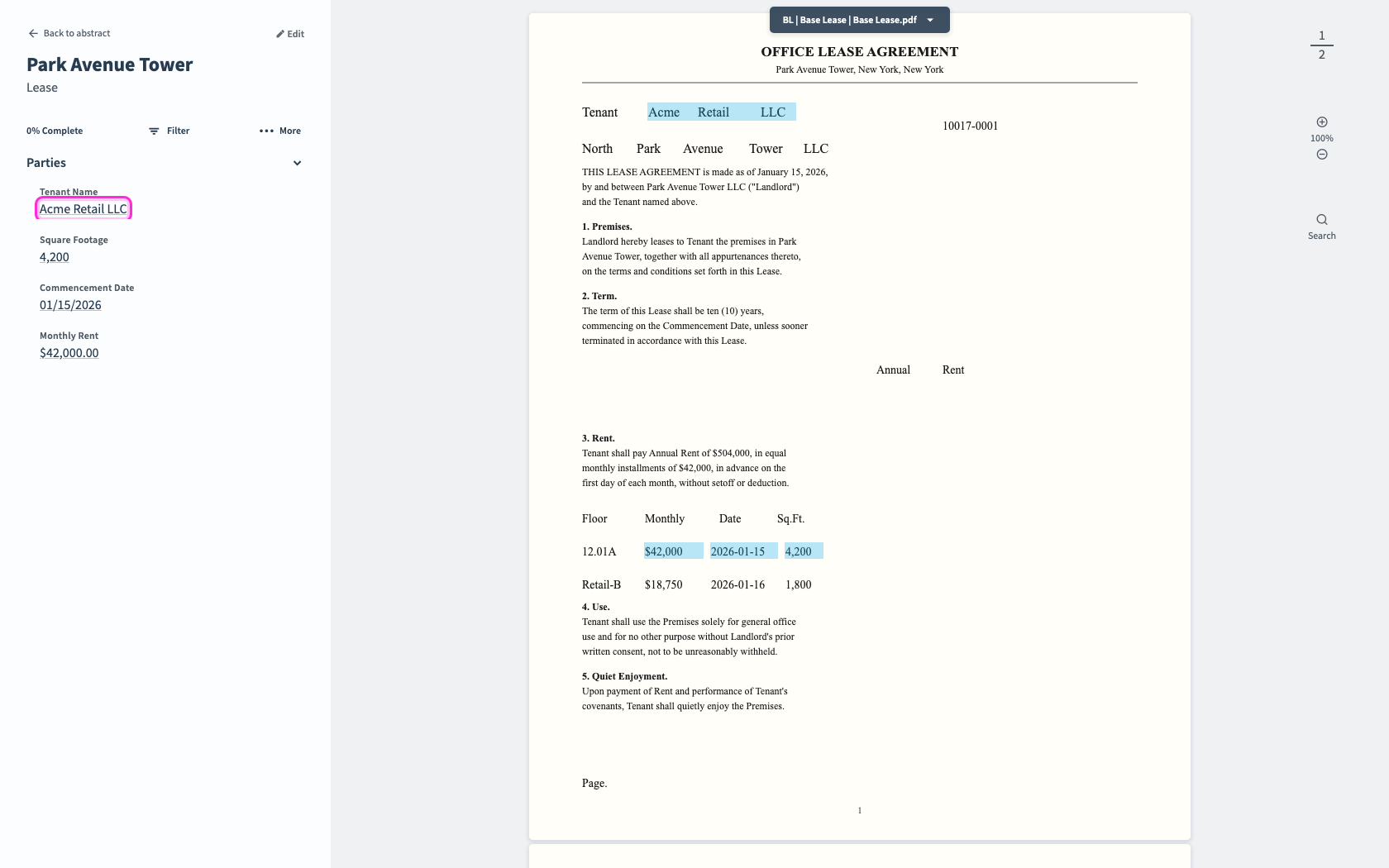
About 24 hours after upload, human-reviewed values replace the prediction previews.
12
Click a reviewed value to open its link on the source document.