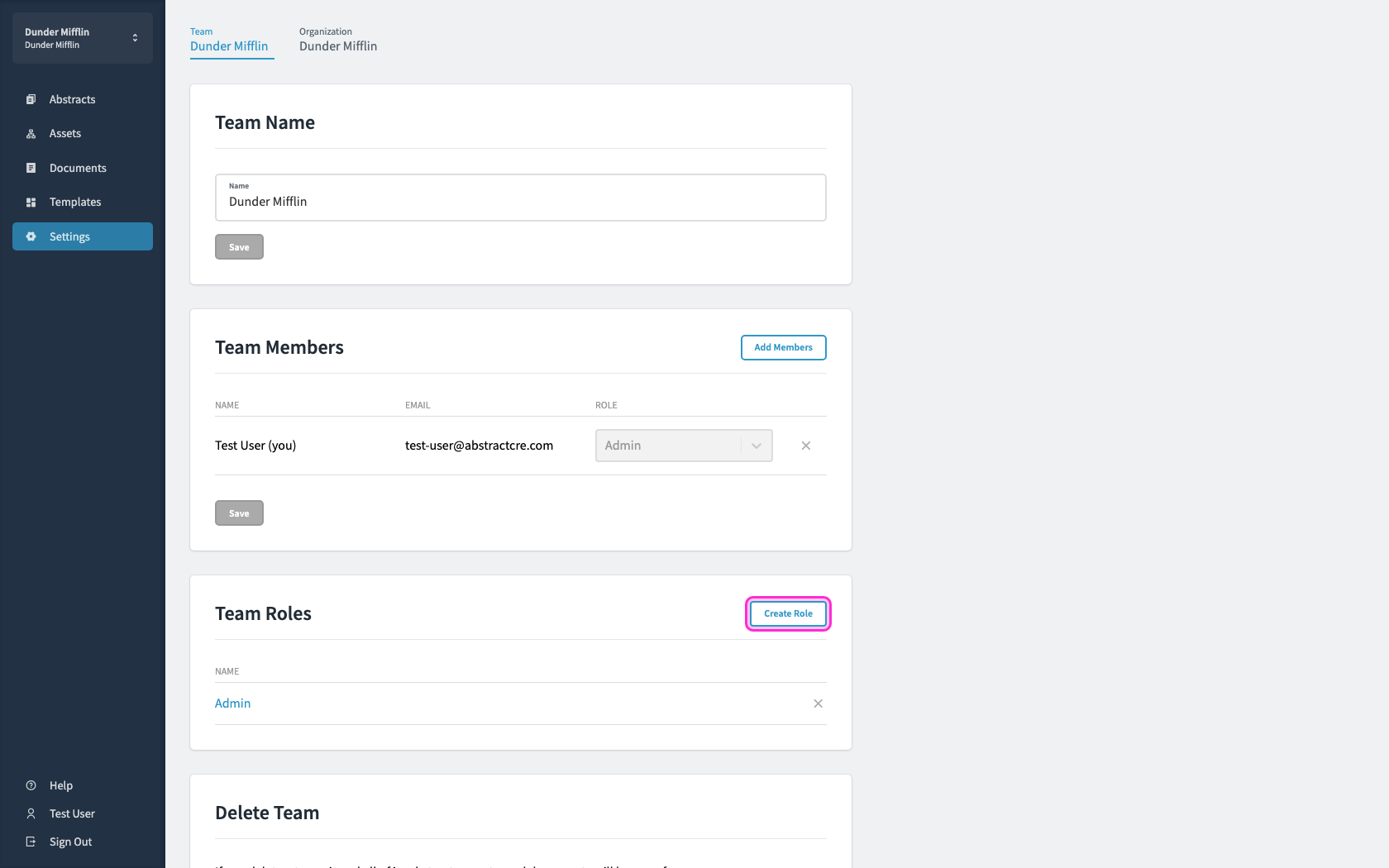
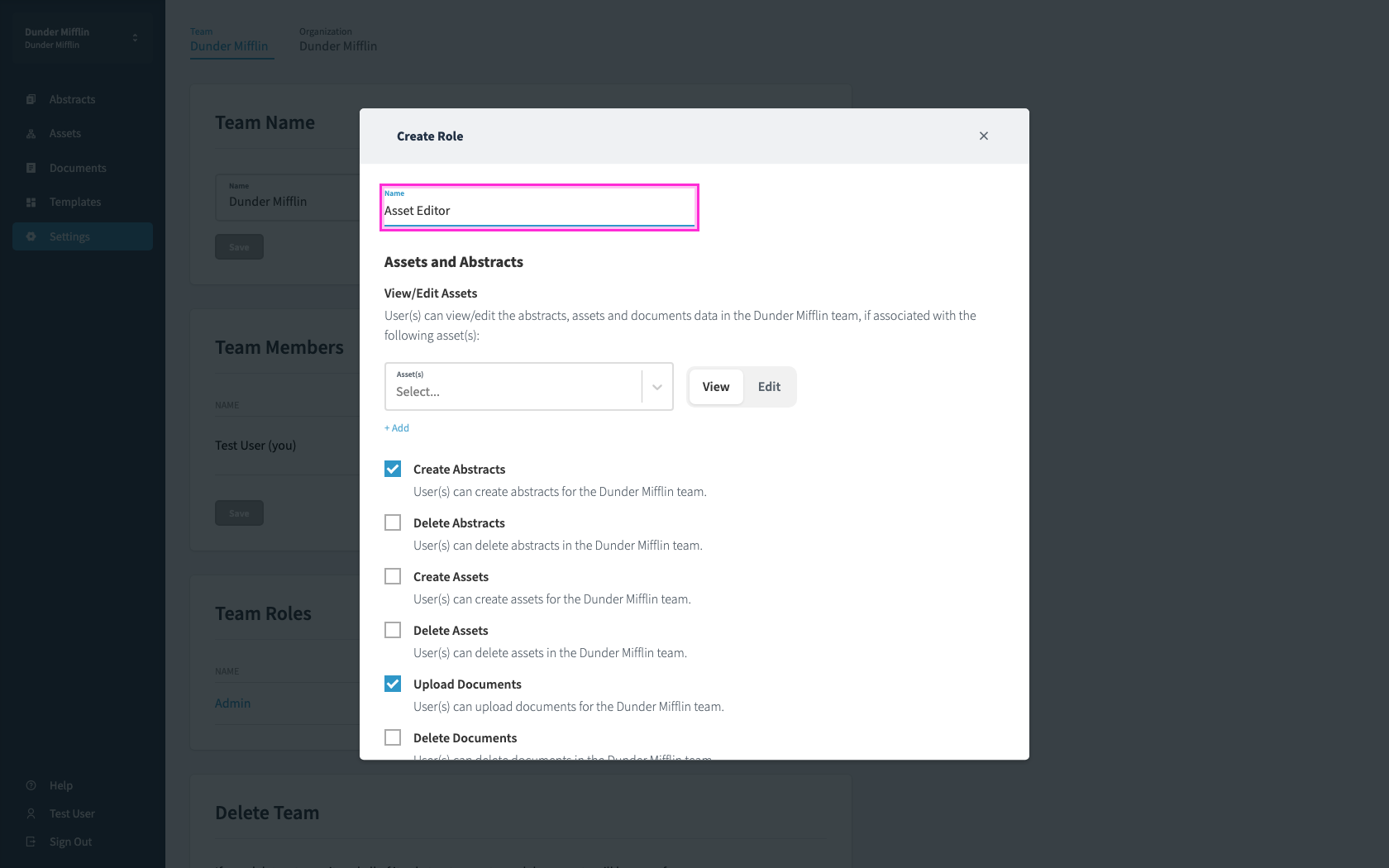
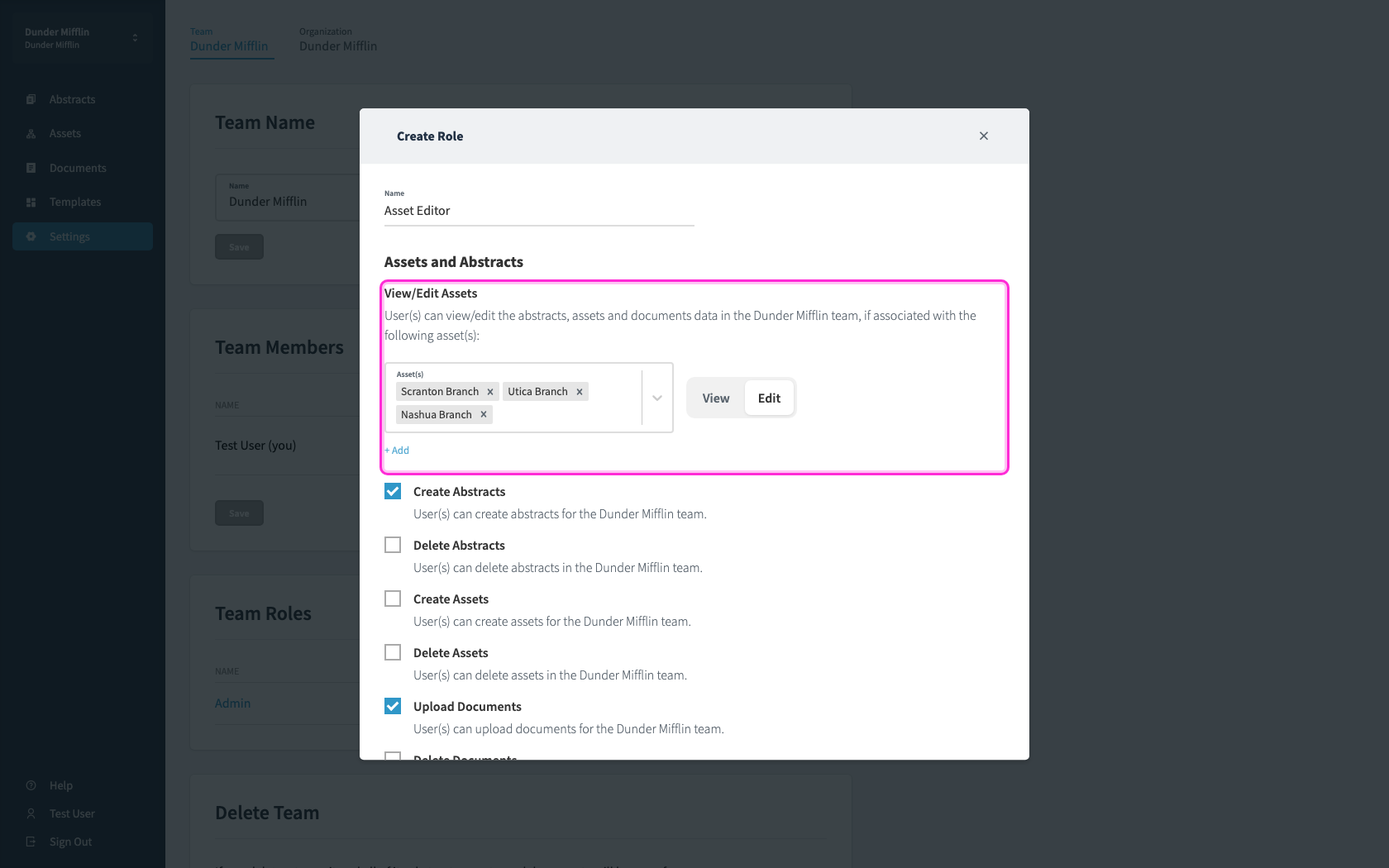
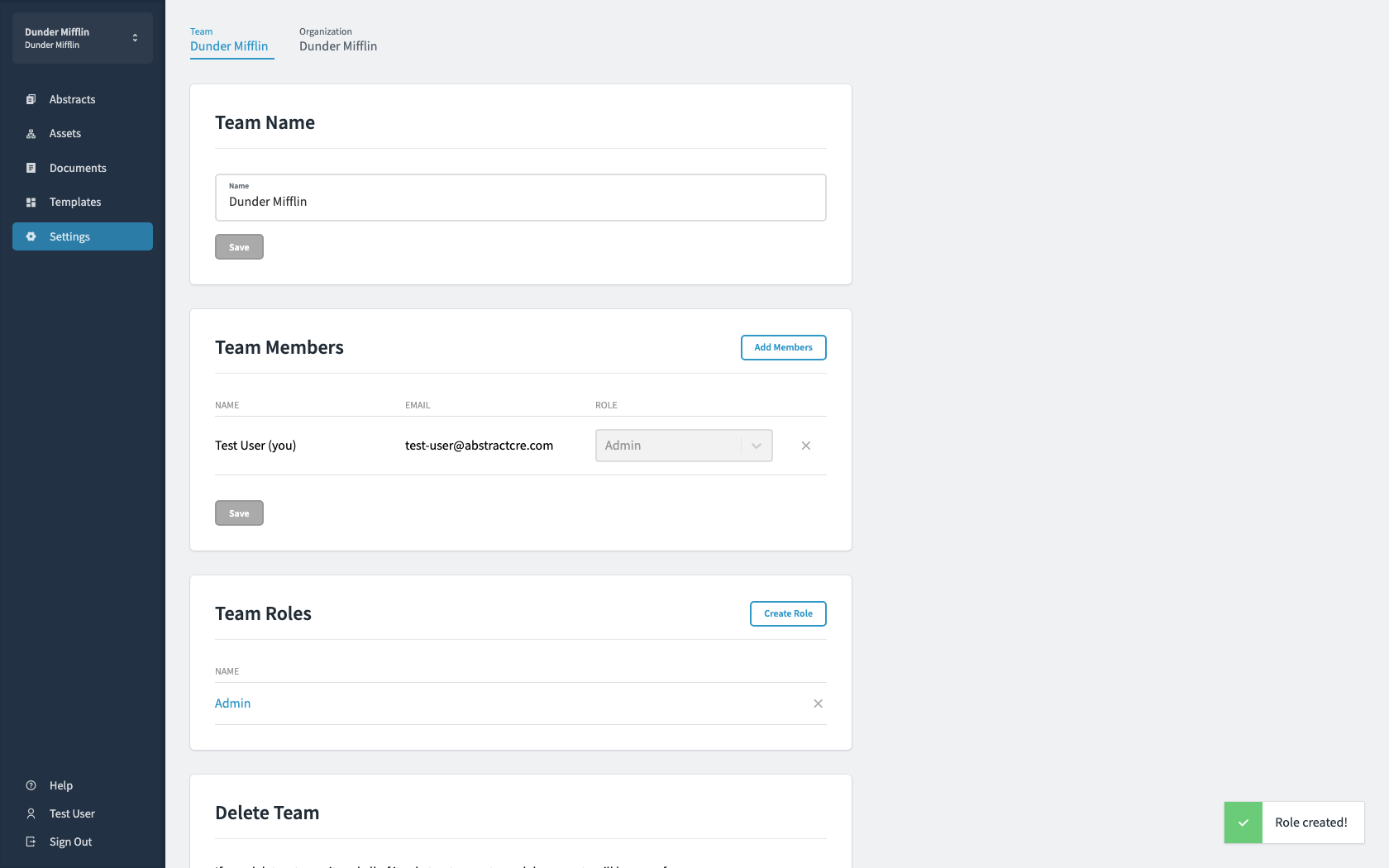
Creating Custom RolesScope edit access to a specific set of assets.1Open Settings and find Roles.2Click Create Role and name it.3Turn on Edit, then choose which assets this role can edit.4Click Create to save the role.