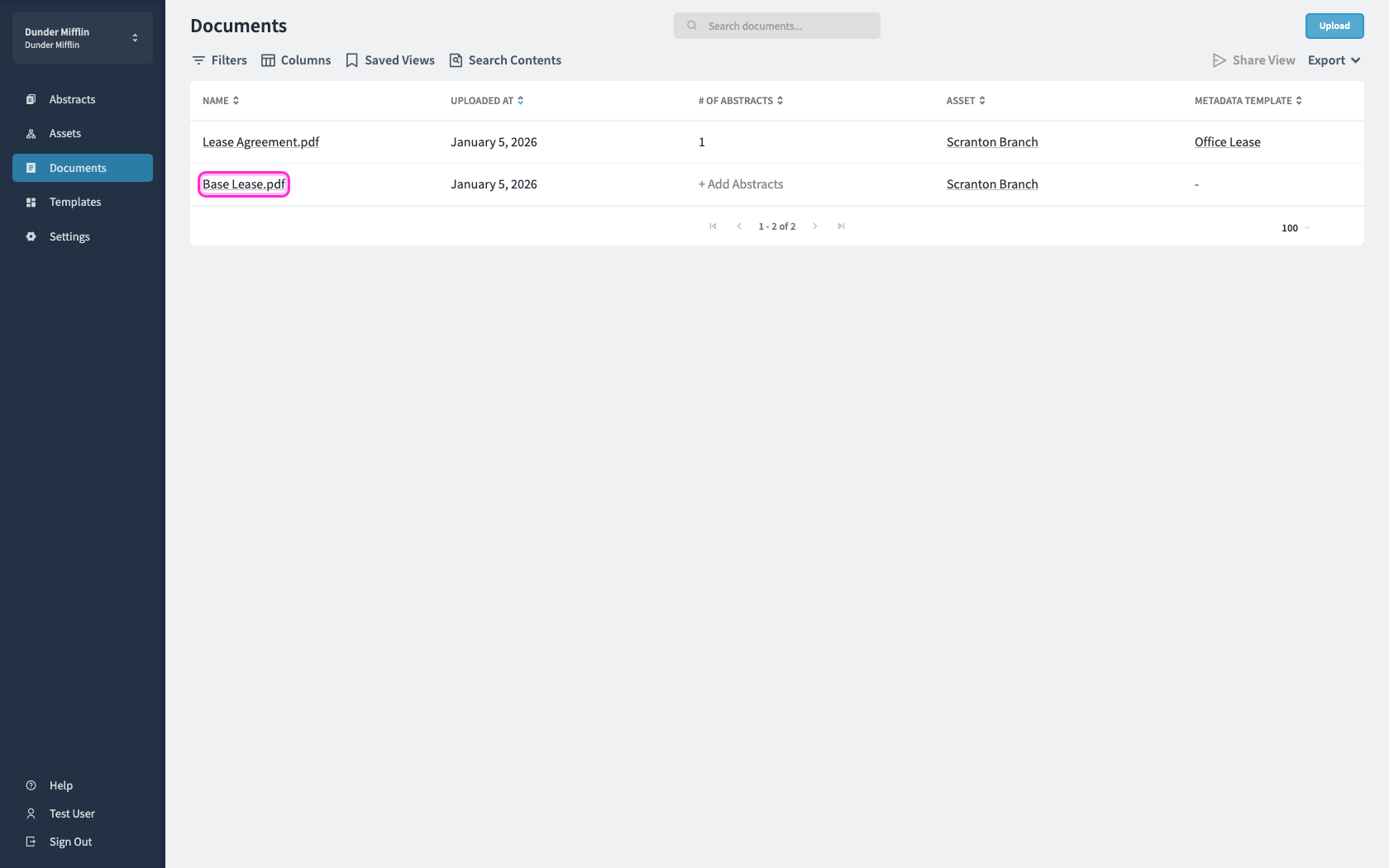
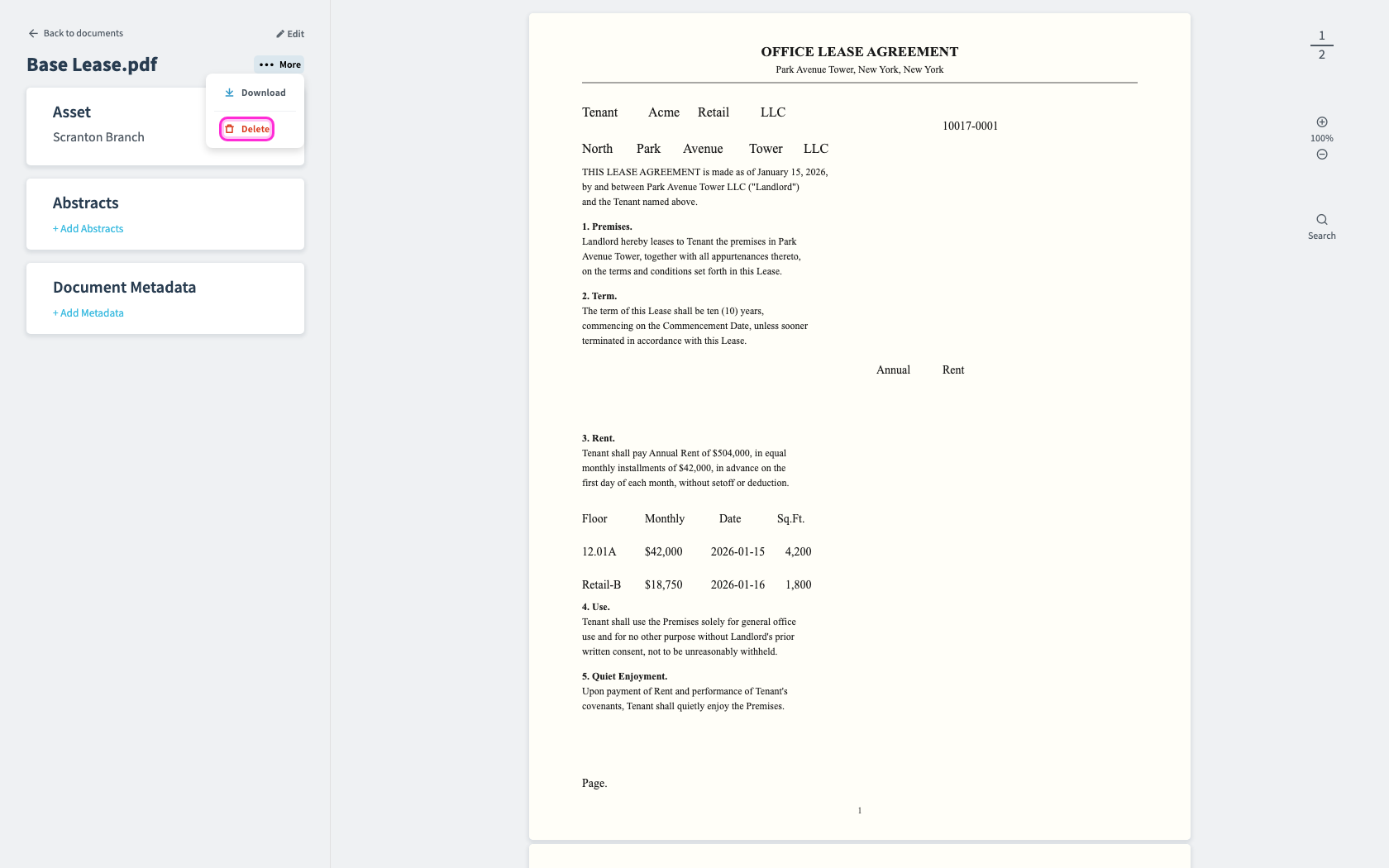
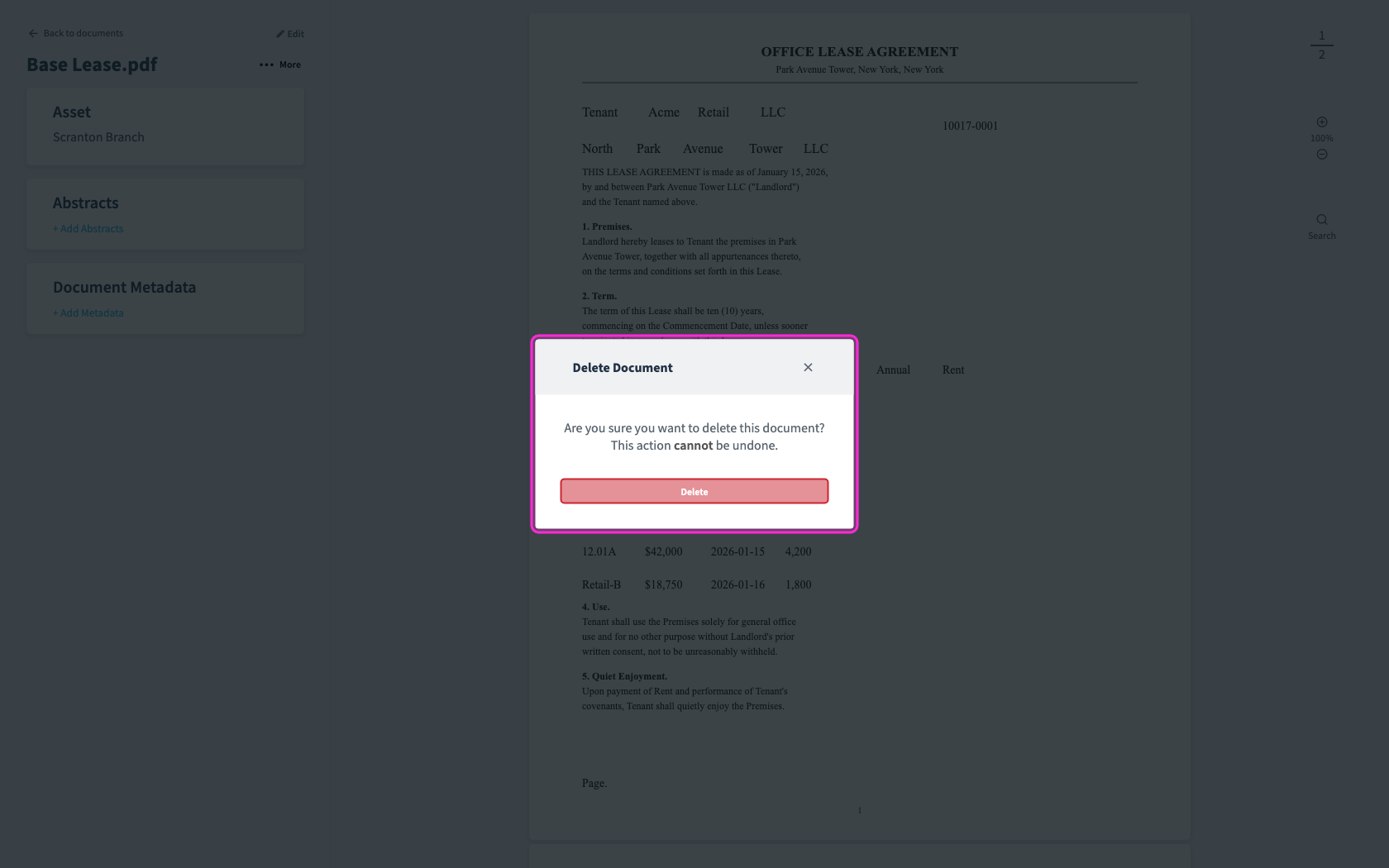
Deleting DocumentsRemove documents you no longer need.1Open Documents, then click a document that is not attached to an abstract.2In the document view, click More.3Choose Delete, then confirm in the dialog.